


Download LeapFrog Connect
Getting connected takes just a few easy steps; then the learning fun can begin!

POWER UP by charging your device or inserting batteries.

SET UP your device by choosing a download link below to install LeapFrog Connect.

REGISTER your device by creating a Parent Account in LeapFrog Connect.

DOWNLOAD content and personalize your device.

PLAY & LEARN! Your child is now ready to play!
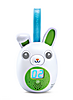
On-the-Go Story Pal™
Connect your On-the-Go Story Pal device to download additional free stories, songs and poems!

Magic Adventures Globe™
Connect your Magic Adventures Globe to download new Adventure Packs!
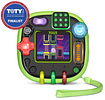
RockIt Twist™
Connect your RockIt Twist™ system to activate game packs and install MP3s!
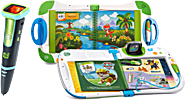
LeapStart Learning Systems
Connect your LeapStart, LeapStart 3D or LeapStart Go to download companion audio for your activity books!
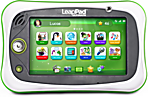
LeapPad®
Ultimate
Connect LeapPad learning tablets to manage your new device!
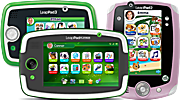
LeapPad®
Learning Tablets
Connect LeapPad learning tablets to manage your new device!

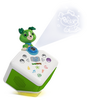
LeapStory™
Connect your LeapStory to get new stories!
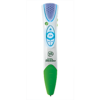
LeapReader™
Connect LeapReader to download Audio Books, Triva Apps, and Companion Audio!

LeapReader™ Junior
Connect to download the audio for your board books!
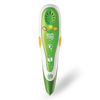
Tag™ Reading System
Connect Tag to download the audio for your books or maps!
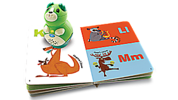
Tag™ Junior
Connect to download the audio for your board books!